
Android Setup
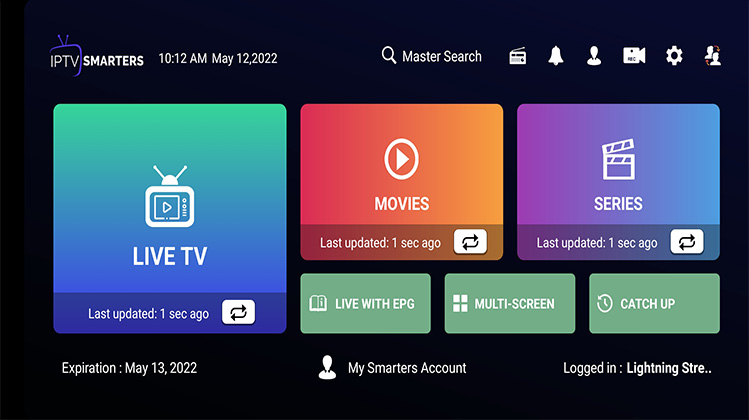
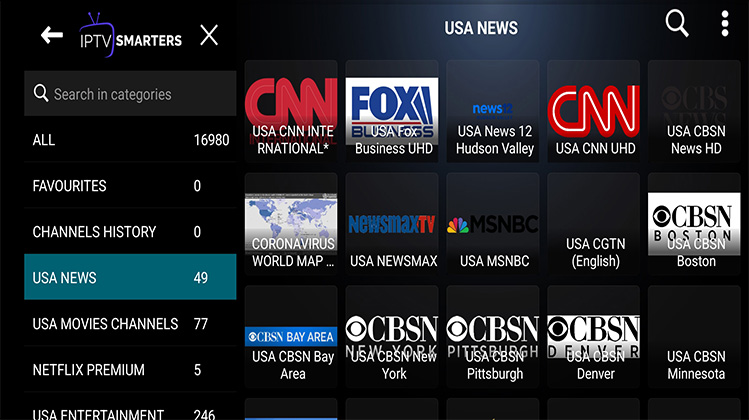
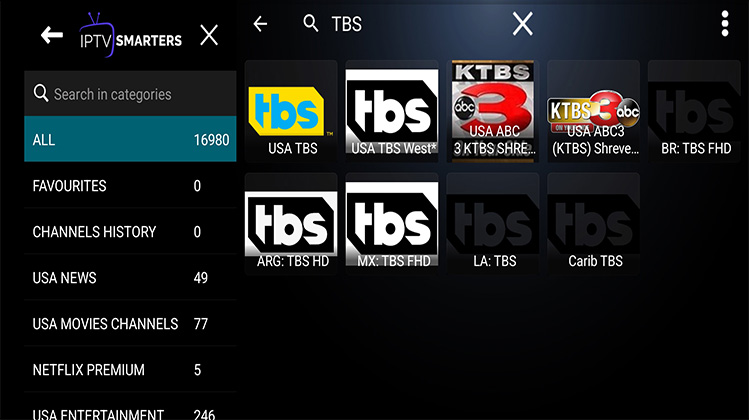
Install IPTV Smarters or TiviMate from Google Play.
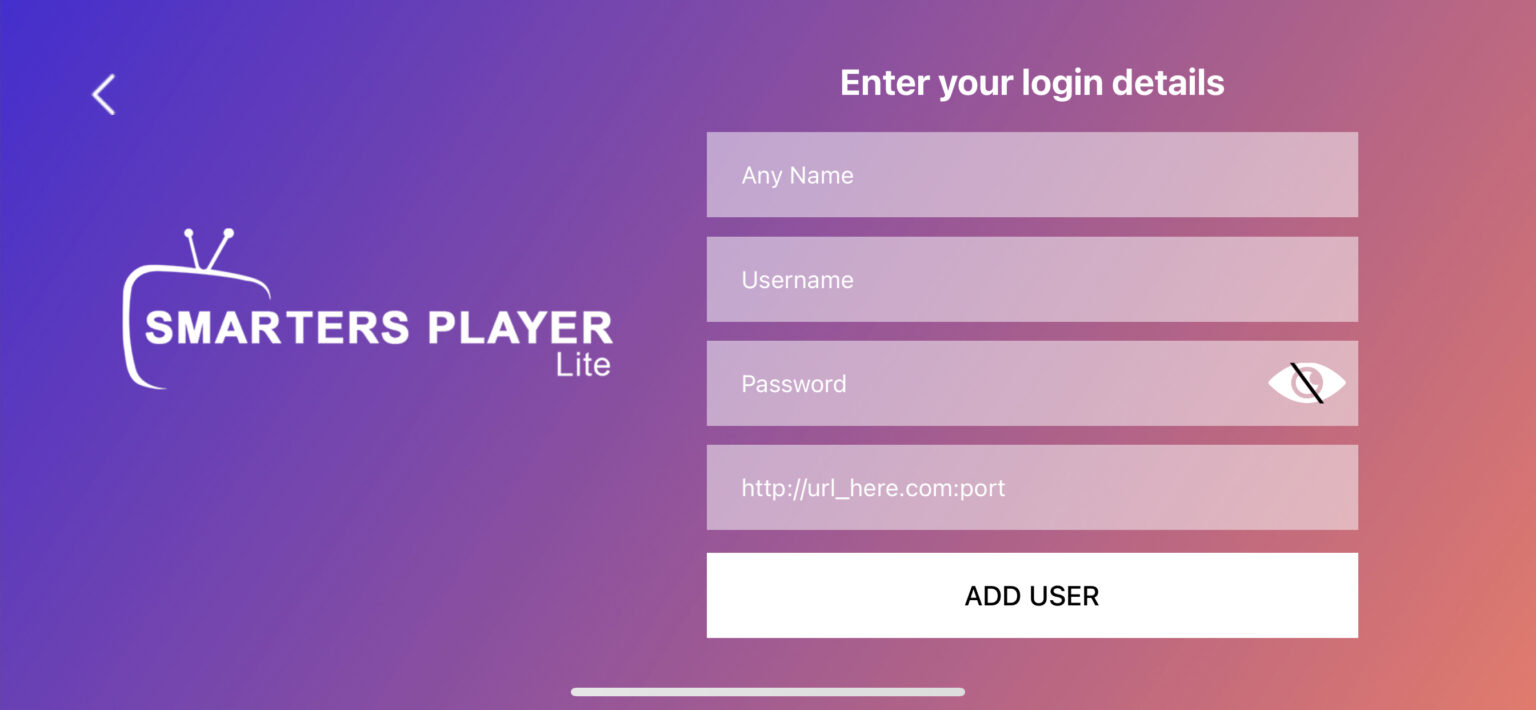
Open app > Login with Xtream Codes API.
Enter User, Pass, and URL sent to email.


Apple iOS Setup
Download GSE SMART IPTV or iPlayTV.
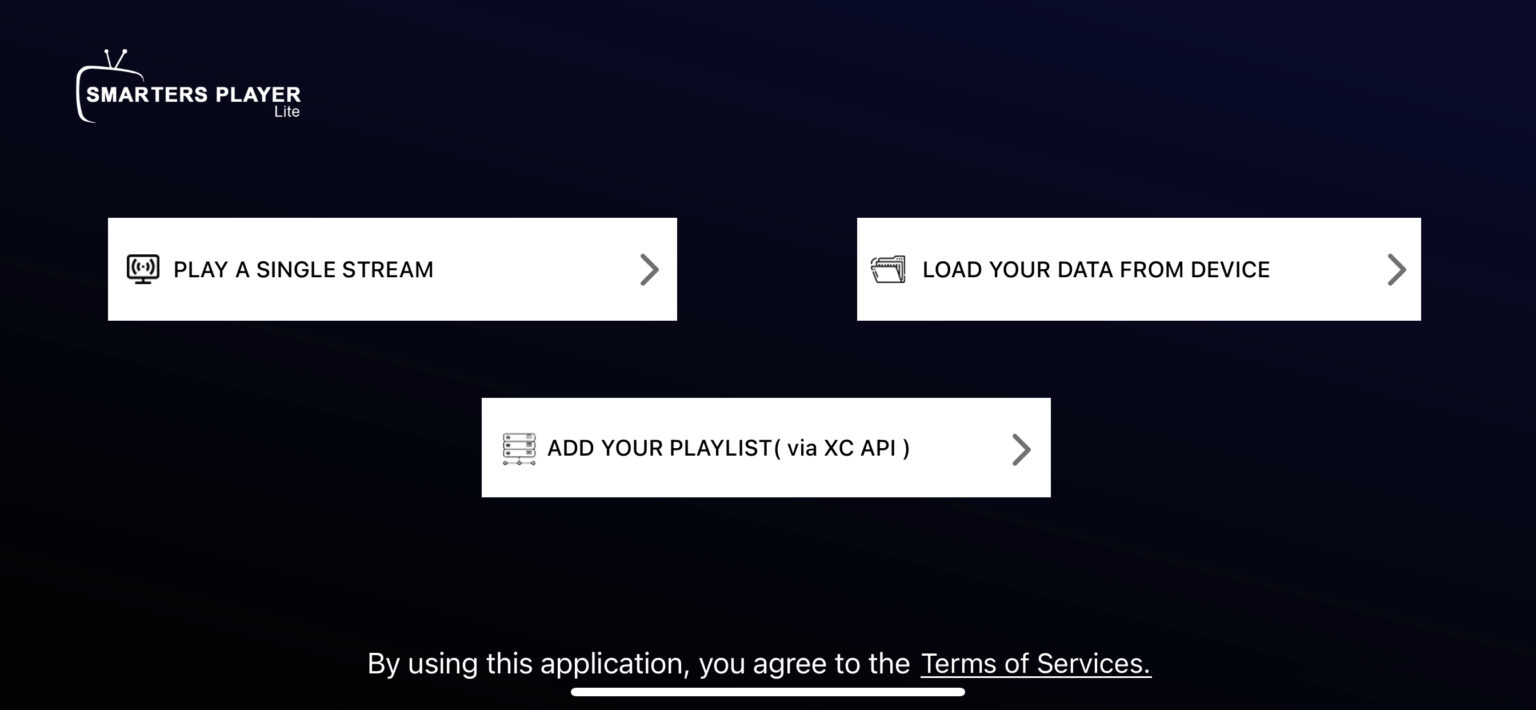
Select Xtream Codes API > Enter credentials.

Smart TV Setup
Install IPTV Smarters, IBO Player or SET IPTV.
Login with Xtream Codes OR send us your MAC Address.
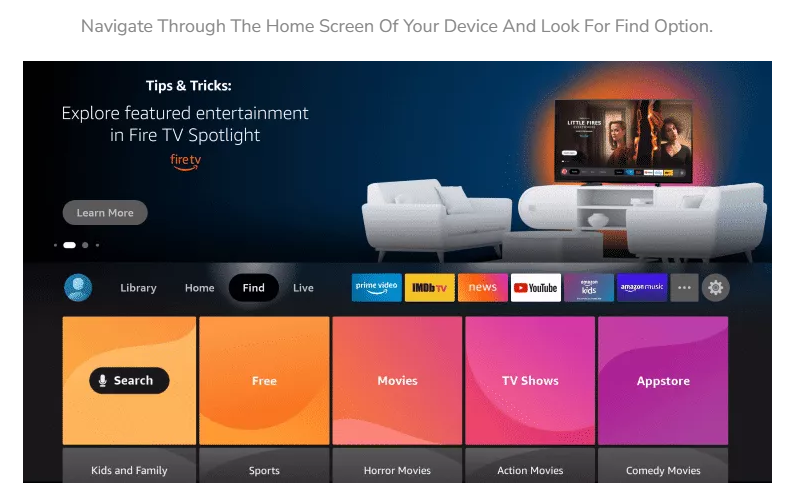
Amazon Fire Stick
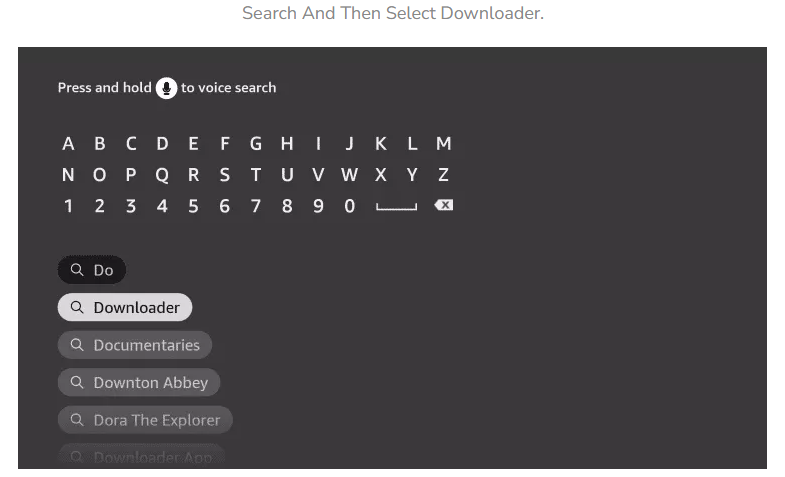
Install Downloader app.
Enter code 78522 to get Smarters Pro.
Login with Xtream Codes.

Kodi (v16 or less)
System > TV > General > Enable.
PVR IPTV Simple Client > Configure > Paste M3U URL.
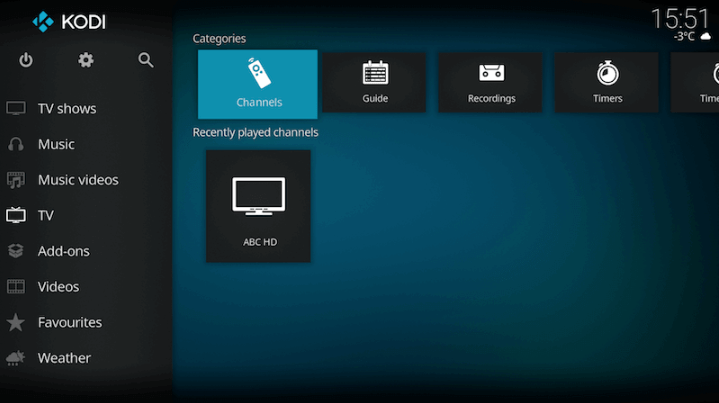

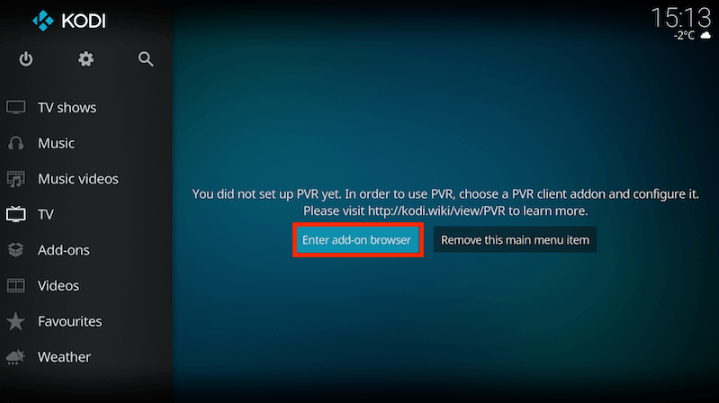
Kodi (17+)
Add-ons > My Add-ons > PVR Clients > PVR IPTV Simple Client.
Configure > Paste M3U URL > OK > Enable.
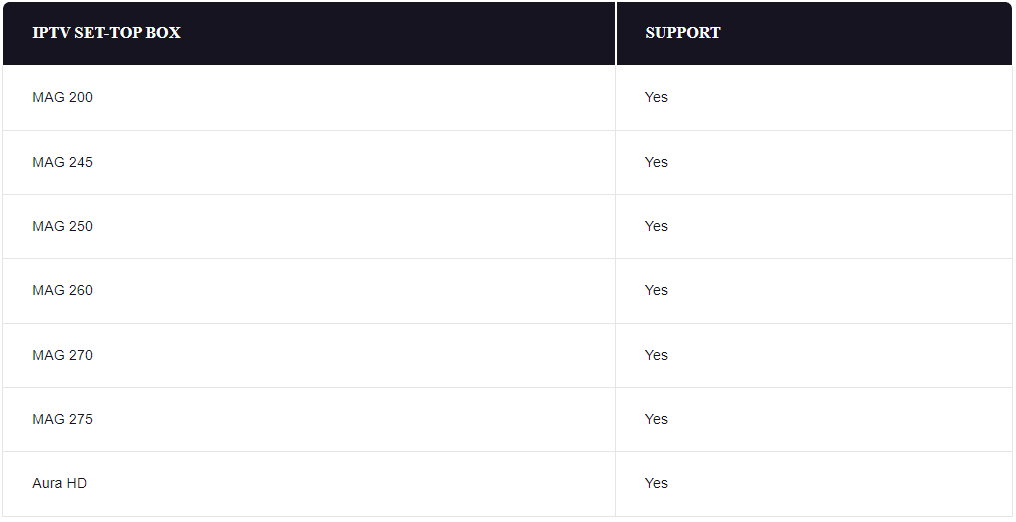
STB Emulator
Settings > Profiles > Add Profile > Portal Settings.
Enter Portal URL. Send us your MAC Address.
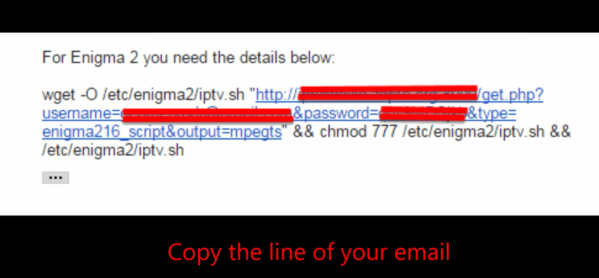
Enigma2 / Dreambox
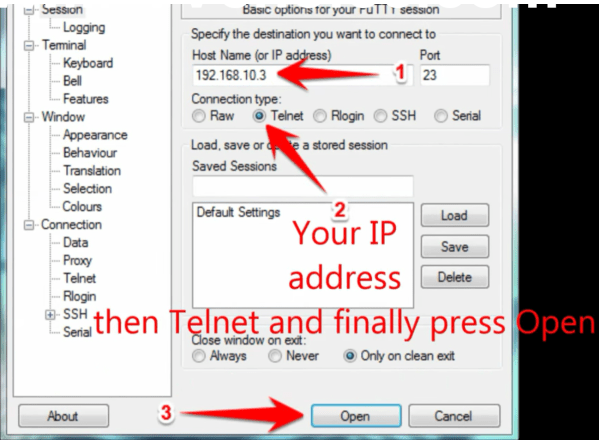
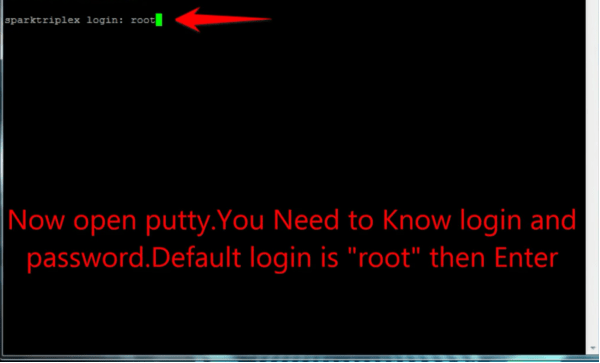
Connect via PuTTY (Telnet) to your device IP.
Paste the wget command from email > Enter > Reboot.
MAG Box
Settings > System Settings > Servers > Portals.
Set Portal 1 Name: ArisIPTV.
Set Portal 1 URL from email > Save & Reboot.
PC / Mac
Install VLC Media Player.
Media > Open Network Stream > Paste M3U URL > Play.
Dreamlink
Find MAC address in DOL screen.
Settings > Edit > Enter Portal Name & URL > Restart.
OpenBox
Save M3U as "IPTV.m3u" on USB.
Plug in USB > Menu > Network Local Setting > Upgrade by USB.