
Cutting the cord on expensive Sky or BT packages is no longer a fantasy. For UK households, the combination of a powerful uk iptv box and a reliable uk iptv service can deliver a smoother, more flexible streaming experience than many traditional bundles provided you choose your hardware and lines carefully.
The problem is that many people try to run heavy IPTV setups directly on ageing Smart TV apps and weak Wi‑Fi, then blame the provider when the real bottleneck is the device or the home network. In 2026, the smartest UK viewers treat their IPTV box like any other serious piece of home cinema hardware: they pick a proper device, optimise the connection, and only then judge the playlist or service quality.
Table of Contents
Why Upgrading Your UK IPTV Box Matters in 2026
Built-in Smart TV platforms are convenient, but they were rarely designed for the demands of modern IPTV: massive playlists, detailed EPG data, multiple apps, and 4K HDR streams running for hours at a time. Most TVs have limited processors and RAM, and their app ecosystems can be slow to update or lack the best players.
When you push those systems hard, you often see:
- Laggy menus and slow navigation.
- Crashes or forced app restarts.
- Buffering when the guide or VOD catalogue is extremely large.
- Poor handling of fast live sport frame rates.
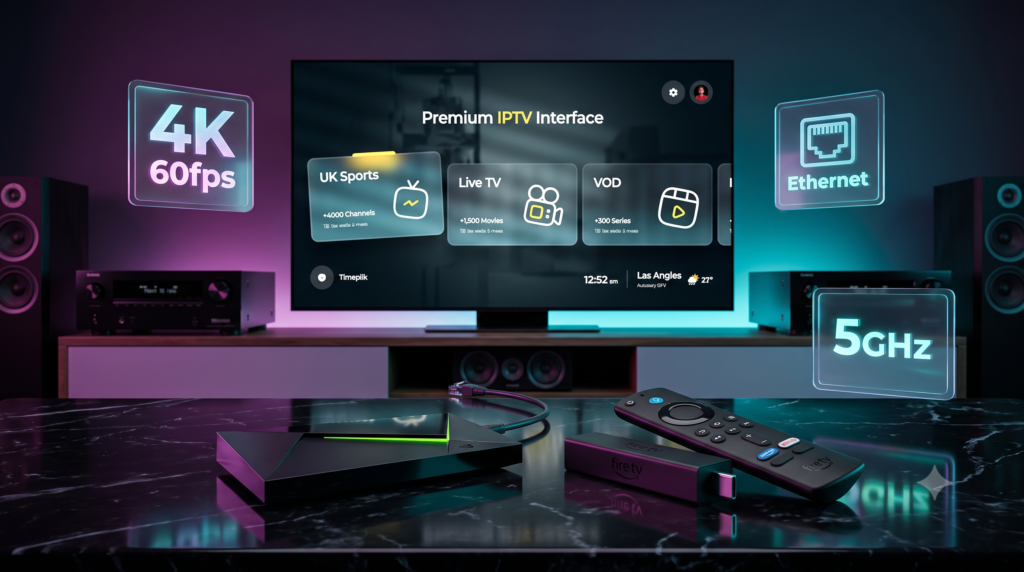
A dedicated uk iptv box solves that by offloading the work to hardware built specifically for streaming. Devices like the Fire TV Stick 4K Max and Nvidia Shield TV Pro are essentially compact computers with proper CPUs, GPUs and memory, designed to run advanced apps and decode modern codecs smoothly.
The impact on your viewing is immediate: interfaces become faster, switching channels feels closer to a proper set-top box, and 4K HDR streams are handled with less strain and fewer dropped frames. If you have ever felt that your service “works fine on one device but not another”, the explanation is almost always the hardware.
Top 2 Streaming Devices for UK Viewers
Across uk iptv reddit discussions and broader streaming communities, two devices have consistently emerged as leading choices for UK users looking for the best streaming device:
The Budget King: Amazon Fire TV Stick 4K Max
The current Fire TV Stick 4K Max is widely regarded as one of the best-value boxes for IPTV in the UK. It features a 2.0 GHz quad-core processor, support for 4K HDR at 60fps, HDR10+, and Wi‑Fi 6E for smoother high-bandwidth streaming when used with a compatible router.
It wins so many UK users over because:
- It is affordable but powerful enough for heavy daily streaming.
- It runs Fire OS, allowing you to easily install advanced IPTV players (like TiviMate) from the Amazon store or via sideloading.
- It is incredibly compact and easy to move between TVs or take with you when travelling.
The Premium Powerhouse: Nvidia Shield TV Pro
If the Firestick is the budget king, the Nvidia Shield TV Pro is the premium powerhouse. NVIDIA’s specs list a Tegra X1+ processor, a 256-core GPU, 3GB RAM, and AI-enhanced upscaling to 4K 60fps.
This matters for IPTV because:
- The AI upscaling can make lower-resolution content look incredibly sharp on a 4K TV.
- Its extra RAM and stronger CPU effortlessly handle massive playlists and complex EPG structures.
- It is based on Android TV, offering excellent app support and an unrestricted ecosystem.
For power users, the Shield TV Pro is often described as the ultimate device when you want to squeeze every bit of performance out of your IPTV setup. It is a very strong foundation for serious home cinema enthusiasts.
Choosing the Right UK IPTV Service
Even the best uk iptv box is useless without a decent feed. The trick is to choose a uk iptv service that matches British viewing habits, rather than one that just lists an inflated number of international channels.
For a UK audience, reliability means:
- Stable streams during 3pm kick-offs and busy weekend schedules.
- A comprehensive UK EPG that actually shows programmes correctly and in sync.
- High server uptime so channels do not vanish at random.
When people talk about looking for iptv.uk focused lines, they usually mean a service that carries mainstream UK entertainment, handles British time zones correctly, and offers real HD/4K quality.
The key here is testing. Never buy a long-term subscription purely on marketing claims. Always insist on a proper trial period to test EPG accuracy and weekend stability. Once you have a line that passes that test, you will find that your hardware suddenly feels significantly “better”.
The Ultimate Hardware Setup (Ethernet vs Wi‑Fi)
Once you have chosen a device and a service, the last piece of the puzzle is the home network. Many UK homes still have thick brick walls and quirky layouts which can make Wi‑Fi performance patchy.
The simplest way to stabilise a uk iptv box is to use an Ethernet connection:
- Hardwire your Firestick (via an official Ethernet adapter) or Shield directly to the router.
- Avoid relying on long, weak Wi‑Fi chains across multiple rooms.
- A wired link provides consistent throughput, lower latency, and zero random signal drops.
If Ethernet simply is not practical, 5GHz Wi‑Fi is the next-best option. 5GHz generally offers higher speeds and less interference than the standard 2.4GHz band. Just ensure your router is placed as centrally as possible relative to your main TV, avoiding cupboards or thick furniture.
Bringing It All Together
For UK viewers in 2026, the ultimate streaming experience is not a mystery. It is a deliberate combination of:
- A powerful uk iptv box (Fire TV Stick 4K Max for value, Nvidia Shield TV Pro for power).
- A thoroughly tested, trial-verified uk iptv service with a proper UK EPG.
- A clean home network setup with Ethernet where possible and 5GHz Wi‑Fi where necessary.
If you have been frustrated with buffering, crashes, or clumsy menus, start by upgrading the hardware, then test a premium line, and finally tidy up your local network. Once all three pieces are in place, your setup will feel like a true upgrade over traditional broadcast TV.